

How to use Tiktok API for scraping User Liked Posts with JavaScript

If you’ve ever tried pulling Tiktok data at scale, you know how quickly things get messy: rate limits, changing endpoints, authentication headaches. A dedicated scraping API cuts through all of that.
EnsembleData’s Tiktok scraper API is a powerful tool for extracting valuable social media data. The API allows businesses and developers to crawl data from Tiktok which can be leveraged for analytics, marketing, tracking trends, and more.
Tiktok User Liked Posts API is one of those crawling APIs that’s surprisingly useful once you have reliable access to it. Whether you’re using it for social media monitoring and listening, competitive research, influencer marketing, or building something data-driven, having a clean feed of structured data makes a real difference. That’s what EnsembleData is built for.
In this post, we’ll walk through how to use the EnsembleData API endpoints to scrape Tiktok User Liked Posts, check the API docs if you want the full picture.
1. Create a free EnsembleData account
Head over to the EnsembleData dashboard and sign up, it’s free! Once you’re in, your API token is sitting in the top-left corner of the dashboard. You’ll need it for every request.
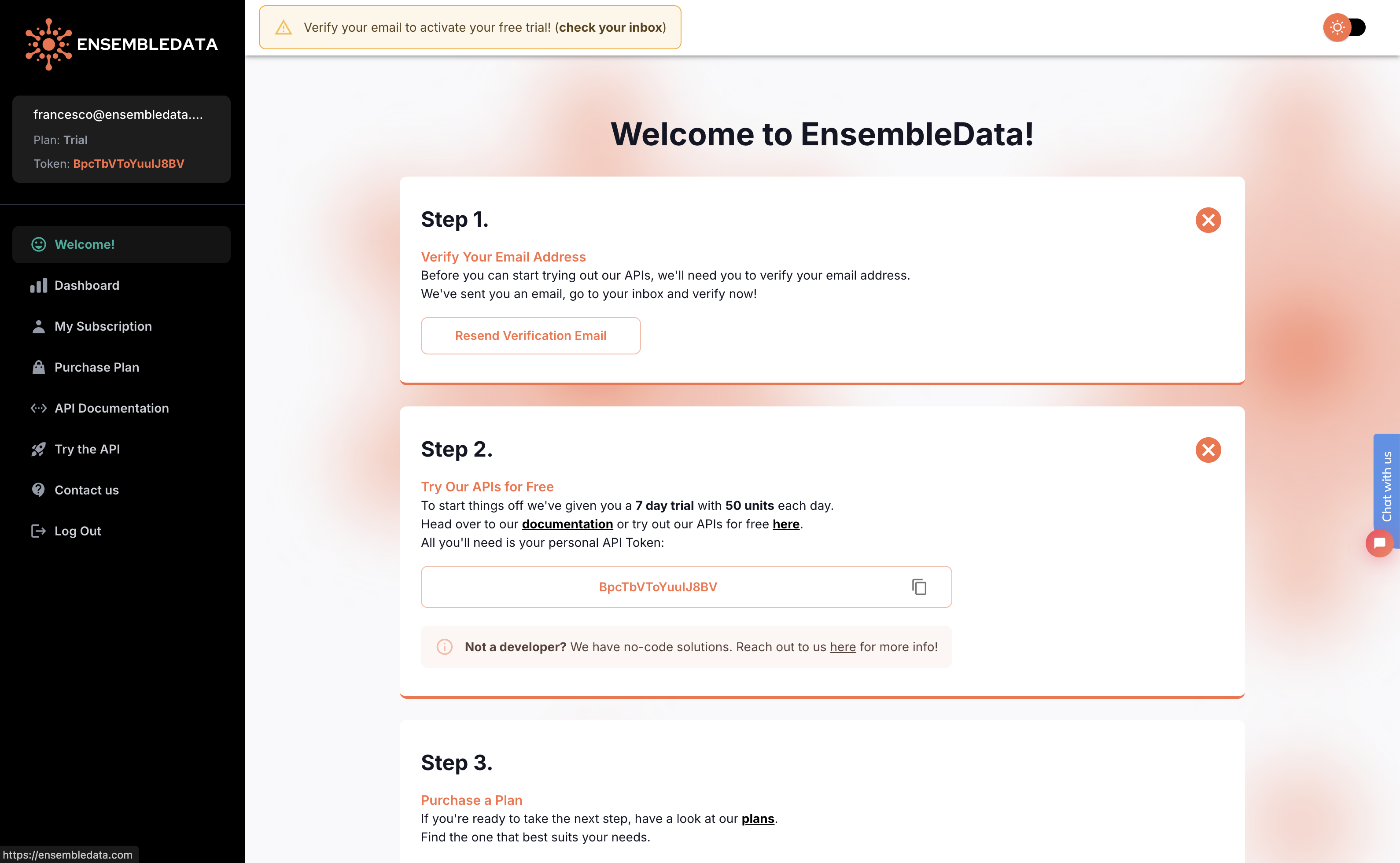
2. Verify your email address
One small thing before you start making calls: verify your email address. There should be a confirmation email waiting for you, just click the link inside.
Requests won’t return any data until your email is verified.
3. Access our Tiktok Data API with JavaScript
Here’s a working example using JavaScript for scraping Tiktok User Liked Posts:
const root = 'https://ensembledata.com/apis'
const endpoint = '/tt/user/liked-posts'
const params = {
  "secUid": "MS4wLjABAAAAzdgqSwTVcRLGFPY7J-JnwnH3QQQ8sozmxYSmE5Fxeuql6jjokm5Lui0tl_WrDYWD",
  "cursor": 0,
  "token": "YOUR-TOKEN-HERE"
}

const queryString = new URLSearchParams(params).toString();
const url = `${root}${endpoint}?${queryString}`;

await fetch(url)
  .then(response => response.json())
  .then(data => console.log(data))
  .catch(error => console.error(error));
That’s it. A few lines of JavaScript and you’ve fetched structured data from the Tiktok API for User Liked Posts, ready to use however you need. For the full list of parameters and response fields, take a look at the API documentation.
Questions? Reach out at ensembledata.com/contact or drop us a line at [email protected].